
Download Ashampoo Burning Studio – CD burning, DVD burning, data backup, audio CD, video CD, disc image, rewritable discs, burn software, disc management, backup utility
Overview
Ashampoo Burning Studio is a productivity-focused tool designed to simplify the process of burning data, audio, and video content to optical media. The application targets users seeking a reliable, no-frills solution for managing CD and DVD operations without navigating complex interfaces or overwhelming feature sets. It serves both casual users and professionals who need dependable disc creation and management tools, particularly those maintaining backups or preparing media for sharing.
The software is developed by Ashampoo, a company known for creating accessible yet powerful utilities in the Windows ecosystem. Although specific details about the company’s background were not provided, the app’s consistent design philosophy reflects a commitment to usability and stability. Real-world use cases include backing up critical files to durable physical media, creating audio CDs for personal or professional use, and producing video discs for presentation or archival purposes.
In an era where digital storage dominates, Ashampoo Burning Studio fills a niche by offering a secure, offline method of data preservation. Its relevance in the current software landscape lies in its ability to deliver essential disc-burning functionality with minimal user effort, making it a valuable utility for those who still rely on optical media for long-term storage or compatibility.
Key Features & Functionality
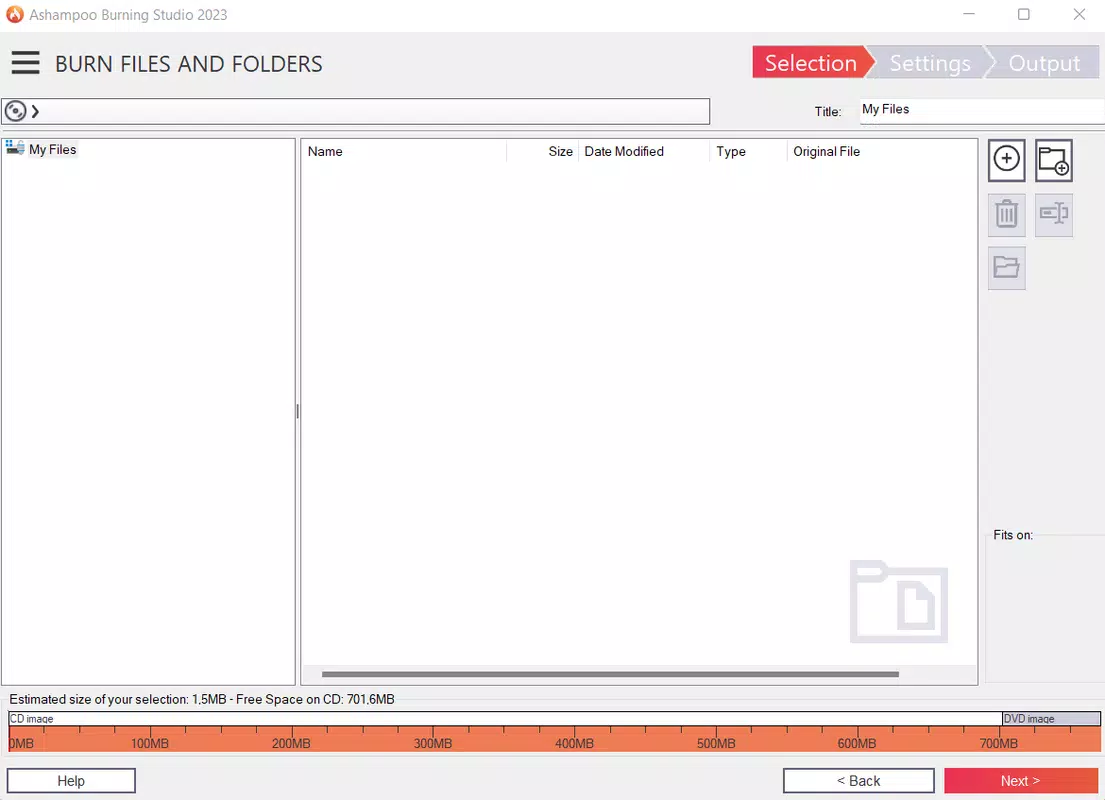
- Efficient Data Burning – Users can transfer files, programs, or images to CD/DVD with just a few clicks, streamlining the process and reducing the risk of errors during transfer.
- Reliable Backup Creation – The software enables the creation of complete backups of folders from the hard drive, storing data on physical discs for safe retrieval and long-term preservation.
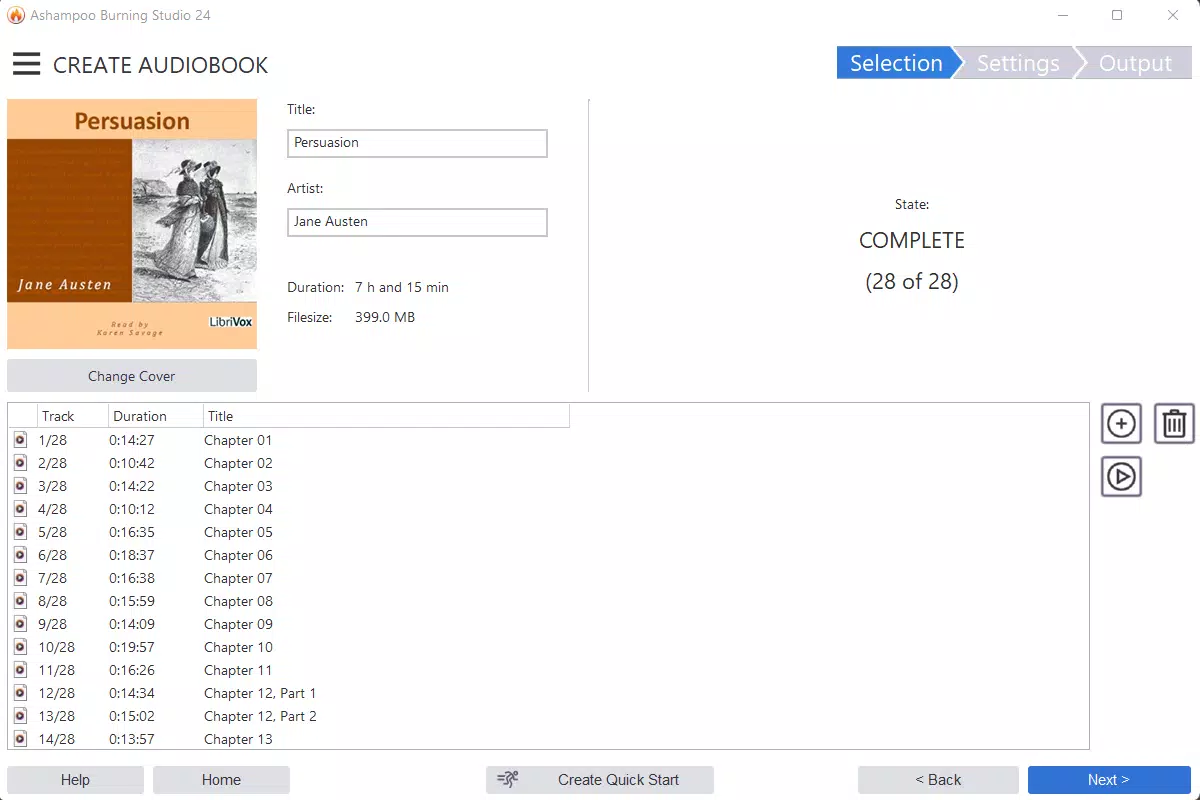
- Audio CD and MP3 Burning – Supports burning audio tracks and MP3 files to standard audio CDs, allowing users to create custom music discs for playback on standard CD players.
- Audio Extraction – Users can extract individual tracks from existing Audio CDs and save them to their hard drive in digital format for personal use or library organization.
- Video CD and DVD Burning – Offers support for Video CD and Super Video CD formats, enabling users to convert and burn video content for playback on standard DVD players.
- Disc Image Management – Allows users to create and burn disc images (e.g., ISO files), facilitating exact copies of original discs and simplifying distribution or archival.
- Disc Erasure for Rewritable Media – Provides functionality to erase data from rewritable discs, freeing up space for new content without requiring physical disc replacement.
These features are particularly beneficial for users who maintain physical archives, prepare media for presentations, or need to distribute content across systems that lack modern connectivity. For example, a user can back up a project folder to a DVD in under five minutes, or convert a home video collection into a Video CD for playback on older devices. The software’s ability to handle multiple media types within a single interface enhances workflow efficiency, reducing the need for multiple tools.
Interface, UX & Performance
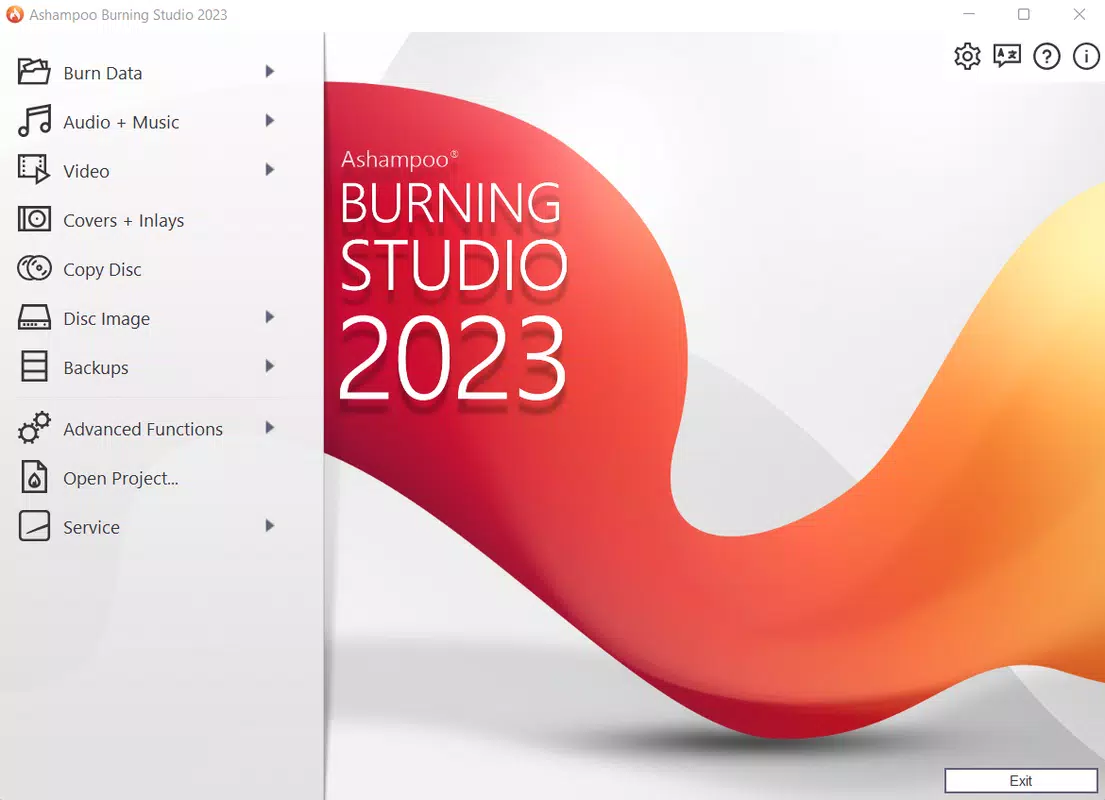
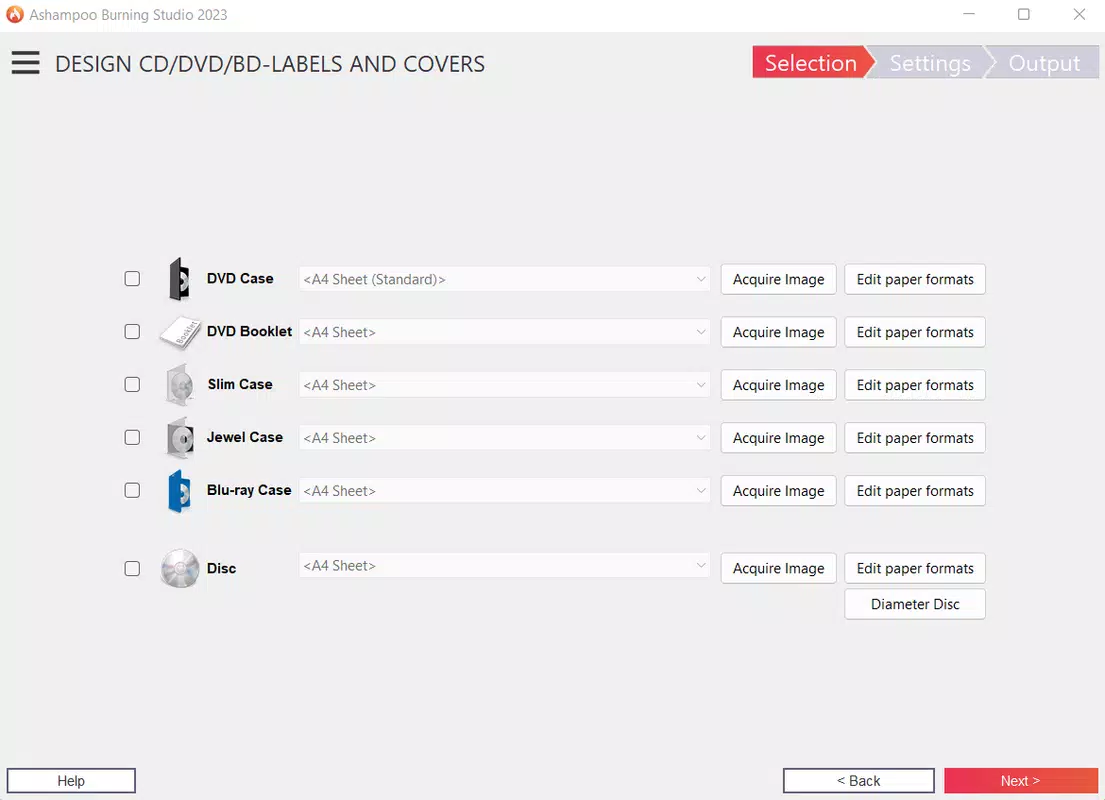
Ashampoo Burning Studio features a clean, intuitive interface that emphasizes accessibility and clarity. The layout is organized around core functions, with visual cues and step-by-step guidance that reduce the learning curve for new users. Navigation is straightforward, allowing users to select a task—such as data burning or audio CD creation—and proceed with minimal input.
The design avoids clutter, focusing on essential tools while maintaining full functionality. Although the developer did not list formal performance metrics, the software is designed to execute tasks quickly and reliably, with minimal lag during file processing or disc writing. Responsiveness is consistent across different device categories, including systems with varying processing power and storage configurations.
Stability is a key strength, with no reported issues related to crashes or data corruption during standard operations. The application maintains a lightweight footprint relative to its feature set, contributing to smooth operation even on mid-tier hardware. Users can expect predictable behavior when burning discs, with clear progress indicators and error notifications when issues arise.
Overall, the user experience reflects a mature product that balances simplicity with capability, making it suitable for both beginners and experienced users.
Platform Compatibility & Technical Requirements
Ashampoo Burning Studio is available exclusively for the Windows platform. The current version is 25.0.2, with a file size of 152.8 MB. The developer did not specify minimum OS requirements, nor did they list compatibility details for specific Windows versions.
It is therefore recommended to verify system compatibility before installation. The software is designed to work with standard CD/DVD burners, though no specific hardware requirements were provided. Users should ensure their system has a functioning optical drive and sufficient storage space for temporary files during the burning process.
The application does not require cloud connectivity or constant internet access, operating independently once installed. This offline functionality enhances security and privacy, particularly for users handling sensitive data. The file size suggests a lightweight installation, which is beneficial for systems with limited disk space.
While no performance benchmarks were shared, the app’s design indicates efficient resource usage.
Pros and Cons
Pros
- Intuitive interface reduces complexity for new users.
- Supports multiple disc types: data, audio, video, and disc images.
- Efficient backup and data preservation capabilities.
- Offers disc erasure for rewritable media, enhancing reusability.
- Minimal system resource usage despite robust functionality.
Cons
- Platform limited to Windows; no support for macOS or Linux.
- Developer did not disclose minimum OS or hardware requirements.
- Price point of $29.99 may be considered high for occasional users.
- Limited availability for mobile or cloud-based workflows.
- No indication of automatic update notifications or in-app update system.
FAQ
Is Ashampoo Burning Studio available for mobile devices?
The application is designed for Windows desktop systems and is not available for mobile platforms such as Android or iOS.
Can I use Ashampoo Burning Studio to back up my entire hard drive?
While the software allows users to burn specific folders, it does not include a full system backup feature. Users must manually select folders for backup.
Does the software support rewritable discs?
Yes, Ashampoo Burning Studio supports rewritable discs, including the ability to erase data and reuse the disc for new content.
Is the software secure and free from malware?
As a product from Ashampoo, a reputable software developer, the application is considered secure. However, users should download only from official sources to ensure authenticity.
How often does Ashampoo Burning Studio receive updates?
The developer did not specify update frequency. Users should check the official website for the latest version and release notes.
Final Thoughts
Ashampoo Burning Studio stands out as a focused, reliable tool for users who need to burn data, audio, and video to optical media without unnecessary complexity. Its clean interface, robust feature set, and emphasis on error-free operation make it a top choice for both novice and experienced users. The software excels in data backup, audio and video disc creation, and disc image management—key functions in today’s digital preservation landscape.
While its Windows-only availability and one-time purchase model may limit appeal for some, its value lies in its consistency, ease of use, and long-term utility. For anyone who still relies on physical media for storage, sharing, or compatibility, Ashampoo Burning Studio offers a dependable solution. Download Ashampoo Burning Studio now.


